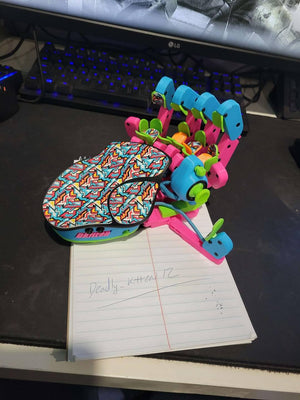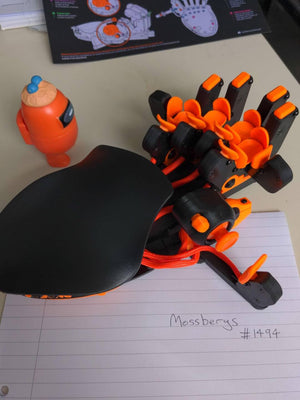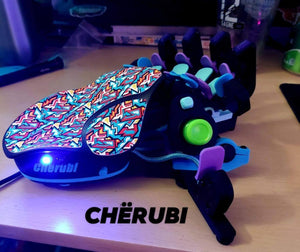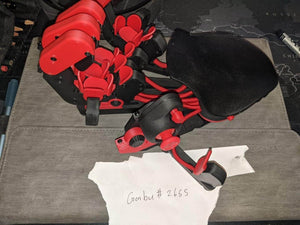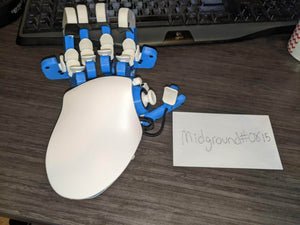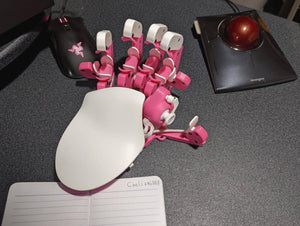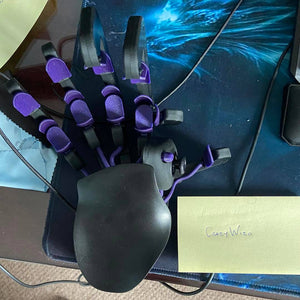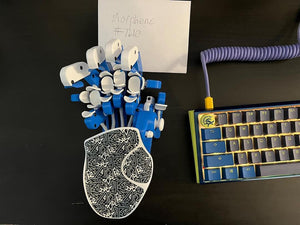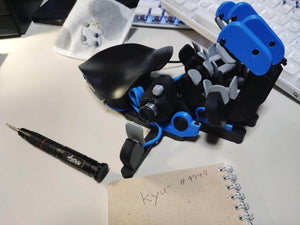


White Keyzen
🕹️ 360° thumbstick as your WASD replacement
🎮 Cherry MX switches for keyboard feel you trust
🛠️ Ergonomic design for zero fatigue, zero strain
Shipping calculated at checkout

Only 2 in stock


- Recommended wrist-to-fingertip length: 20–21 cm (7.9–8.3 in) or more;
- 360 Hall effect thumbstick;
- 32 mappable inputs;
- DSA keycaps with visual customization options;
- Adjustable and ergonomic;
- Up to 6 onboard profiles;
- Customizable design, incl. RGB profile lights.
What's in the box
- Azeron Keyzen
- Flat and curved palmrests
- Azeron Screwdriver for adjustments
- 2 thumbstick replacement caps
- Restrictor ring
- Spare screws (including one for the little tower)
- USB-C cable (2m / 6'7")
- Quick Guide
- 99% Recyclable Packaging
During periods of high demand, some orders could experience a delay of a few business days before they are shipped.
All images are for illustration purposes only.
Actual product may vary due to continuous development.
As Seen On:


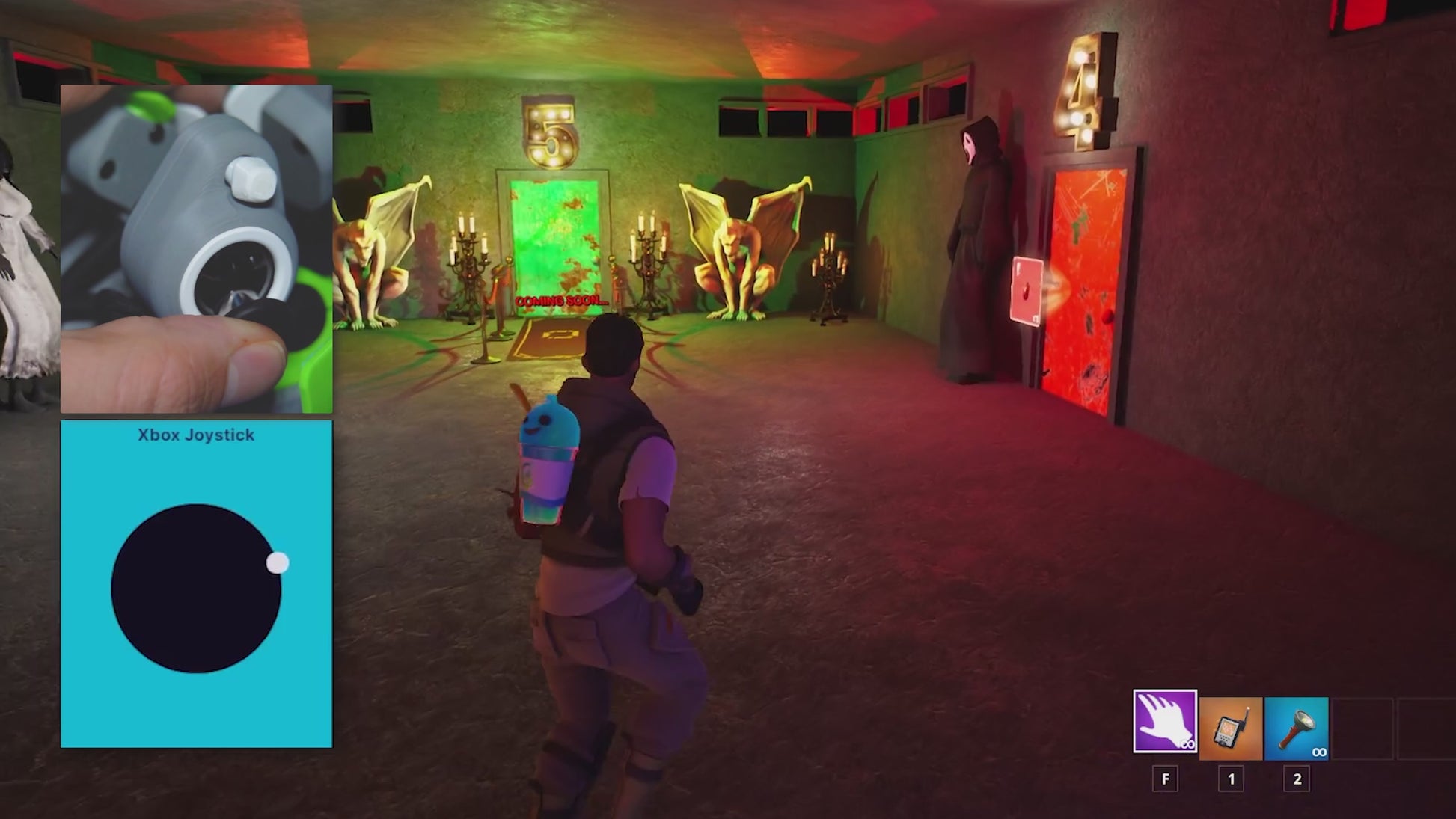
Replace WASD with a Hall Effect Analog Thumbstick
Stop wasting three fingers on WASD. Shifting movement to your thumb frees up your fingers to jump, crouch, and use abilities without losing momentum. Enjoy fluid 360° movement in supported games or map it to 4-way mode for an instinctual WASD feel.
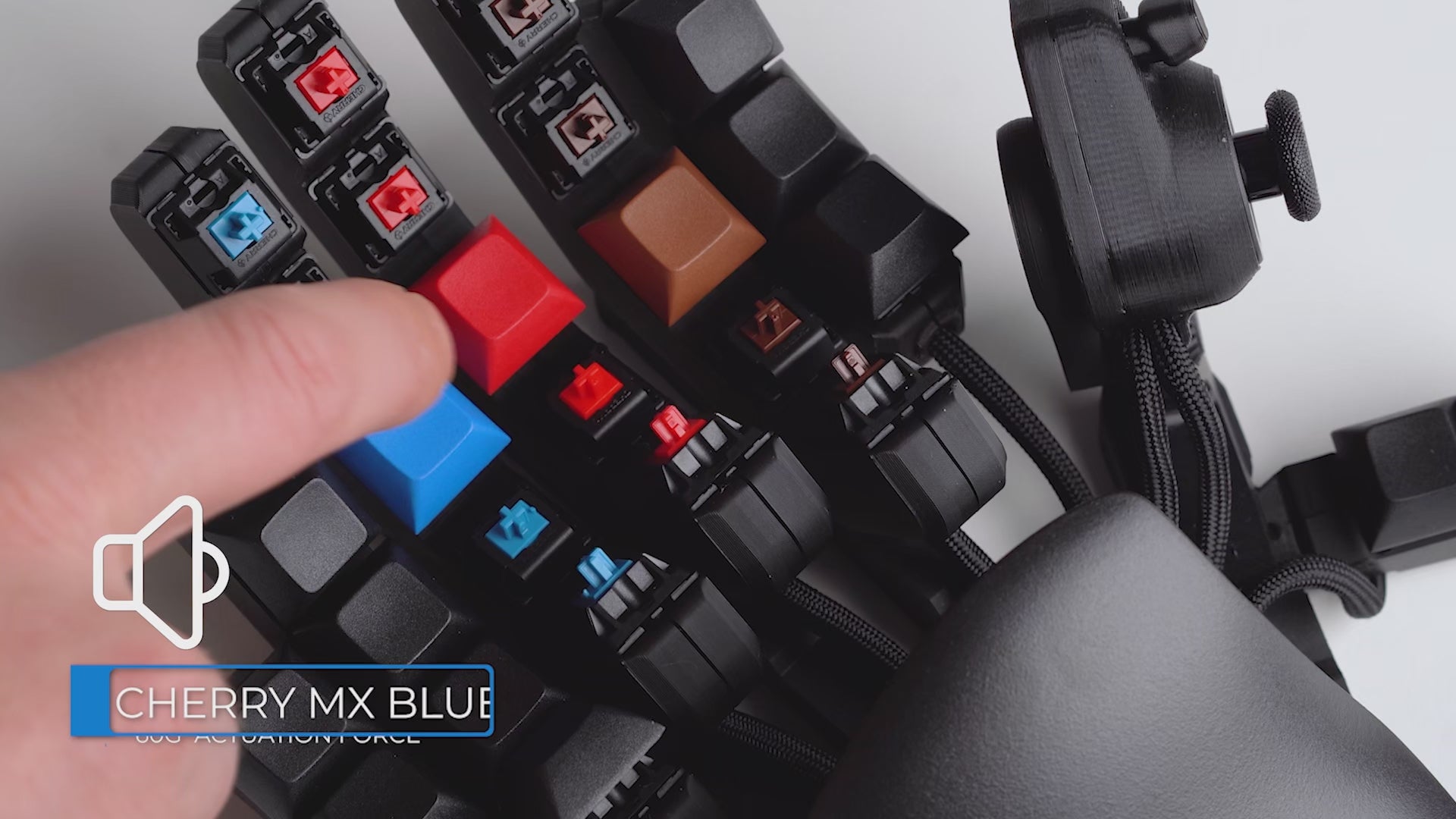
Pick Your Perfect Click
Three Cherry MX options, choose your feel: Red (smooth & fast), Blue (clicky & precise), Brown (quiet & tactile).

Key Mapping Made Simple
Map your keybinds in minutes with Azeron Software. From simple remaps to complex macros, change binds easily with drag-and-drop. Store six keybind profiles on the onboard memory for instant switching, or keep unlimited profiles in the software.

Built for Your Hand's Comfort & Ergonomics
Play longer with Keyzen's personalized ergonomics. Adjust the tower distance and angle to match your hand's anatomy, ensuring a zero-strain gaming position that keyboards can't match.
Beyond Keyboard: The Anatomy of Control
1
32 Mappable Inputs
Every input is within easy reach and fully mappable to fit your game & playstyle.
2
Cherry MX Switches
Choose Red, Blue, or Brown — 50M+ click lifespan for the feel you know and trust.
3
Ergonomic Palmrest
Switch between flat and curved palmrests for personalized ergonomic fit.

1
2
3
4
5
6
4
Curved Key Towers
Adjust tower distance, angle, spacing,
and fit the keys to your hand.
5
360° Hall Effect Thumbstick
Drift-free, precise analog control — switch between WASD and 360° movement modes.
6
6 Onboard Profiles
Switch between saved keybind profiles directly on the keypad with a simple press.

The Edge That Feels Unfair
Keyboards weren't built for gaming.
We built something that was.
Smooth 360° movement
Every action within reach
Familiar keys, upgraded control
Natural resting, zero strain
Left or right hand options
Keyzen
Gaming Keyboard

“It’s perfect for games like Fortnite, Valorant, or Modern Warfare.”
- Dmitry, Hardware Canucks Review Team
YouTube

“We were blown away by the speed, and while it takes some setup, the overall effect is absolutely worth it.”
- Duncan Robertson, GamesRadar+

"Feels like it was made by gaming enthusiasts, for gaming enthusiasts".
— Myles Goldman, Tom’s Hardware
QUESTIONS GAMERS ASK
A traditional keyboard forces you to stretch your hand across fixed keys. The Azeron Keyzen places every input exactly where your fingers naturally rest — adapting to you, not the other way around.
Its 360° analog thumbstick delivers smoother movement than WASD, while 32 mappable inputs stay within immediate reach. The adjustable parts reduce strain and increase efficiency, especially in fast-paced and ability-heavy games.
Choose the Keyzen if you want a more traditional keyboard-like experience with mechanical switches.
- Keyzen: Cherry MX mechanical switches (Red/Blue/Brown), 32 programmable inputs, DSA keycaps, 2–4 mm key travel, 45–60 g actuation — ideal if you already love mechanical keyboards.
- Cyborg II: Omron microswitches, 30 programmable inputs, adjustable towers, ultra‑short 0.3–0.6 mm travel, 20–50 g actuation — better if you prefer a mouse‑click feel.
In short: pick Keyzen for keyboard feel & precision control, and Cyborg II for ultra‑light, clicky, mouse‑like actuation.Also, Cyborg II offers more physical adjustability than the Keyzen.
There is a short adaptation period, but most users feel comfortable after 10–20 hours of gameplay. The key is to start simple.
Begin by mapping 4–5 essential actions and focus on getting comfortable with movement and core abilities. As it starts to feel natural, you can gradually expand your keybinds and and unlock the full potential.
What games does Keyzen work with?
The Keyzen works with any PC game that supports keyboard input, including:
- FPS: CS2, Valorant, Warzone, Apex
- MMO: WoW, FFXIV
- MOBA: Dota 2, LoL
- RPG & More
All inputs are fully remappable through Azeron software. In games that support simultaneous mouse + controller input, the thumbstick can be used in true 360° analog mode. In other games, it can emulate WASD or directional keys.
The Keyzen can be used with console games that support mouse and keyboard input. Keybinds must first be configured on a PC using the Azeron software.
For console games that do not support mouse and keyboard input, a XIM adapter is required for Xbox and PS5.
No pressure. The Keyzen comes with a 60-day money-back guarantee, giving you plenty of time to actually play, adapt, and dial in your setup.
Use it in real games, experiment with keybinds, and see how it feels over multiple sessions — not just a few minutes out of the box. If it’s not the right fit, you can return it according to our return policy.
Yes. Every new Keyzen includes a warranty covering manufacturing defects.
- EU customers: 2-year warranty from the shipping date
- Non-EU customers: 1-year warranty, with an option to extend for an additional year
The warranty covers defects in materials and workmanship, not normal wear or accidental damage. Full details are available in our Refund & Warranty Policy.
The current estimated delivery time is shown on the product page at the time of purchase. Once your order is ready and handed over to the courier, you’ll receive a tracking number so you can follow your shipment.
Orders placed through our official store can be tracked anytime using Track Order section.
Join Thousands Of Happy Gamers
@Azeron