


 ★★★★★
★★★★★4.9 Stars | 130,000+ Azeron Users
7 Reasons Gamers Are Trading WASD for a Thumbstick
7 Reasons Gamers Are Trading WASD for a Thumbstick
You have upgraded your mouse, your monitor, maybe your whole rig. But movement is still four keys on a keyboard, the way it has been for decades. Azeron moves you with an analog thumbstick instead, smooth and precise, with every key under your fingers and your mouse free to aim. Here is what changes when your thumb takes over.
You have upgraded your mouse, your monitor, maybe your whole rig. But movement is still four keys on a keyboard, the way it has been for decades. Azeron moves you with an analog thumbstick instead, smooth and precise, with every key still under your fingers and your mouse free to aim. Here is what changes when your thumb takes over.
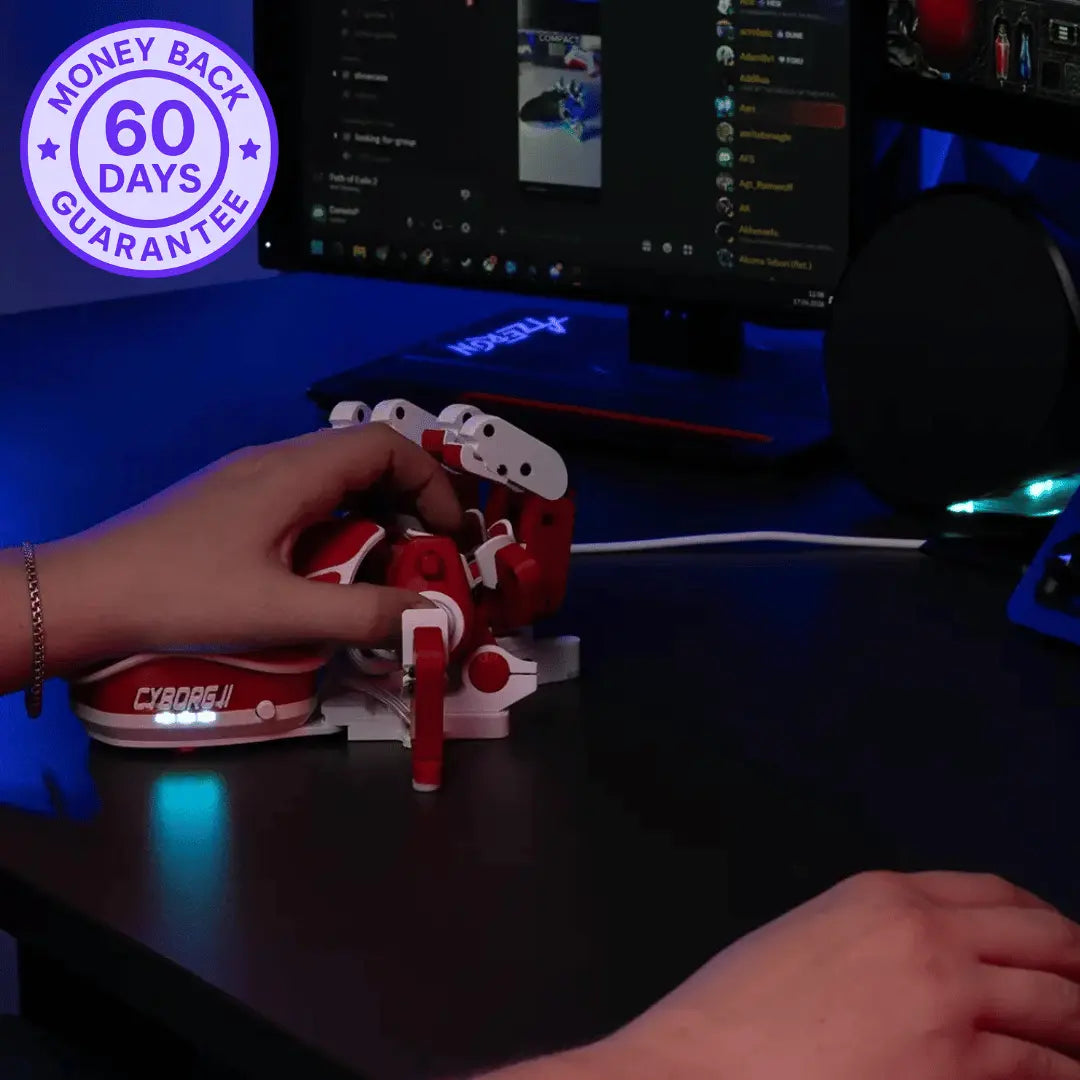
Try It Risk-Free For 60 Days

Made in Europe

60日間返金保証

Manufacturer's Warranty

Ships 1-3 Days

本物の人間によるサポート
Used by 130,00+ Gamers Worldwide
For players who refuse keyboard limits and unlock their full potential.
01
WASD only moves
you eight ways
WASD only moves
you eight ways
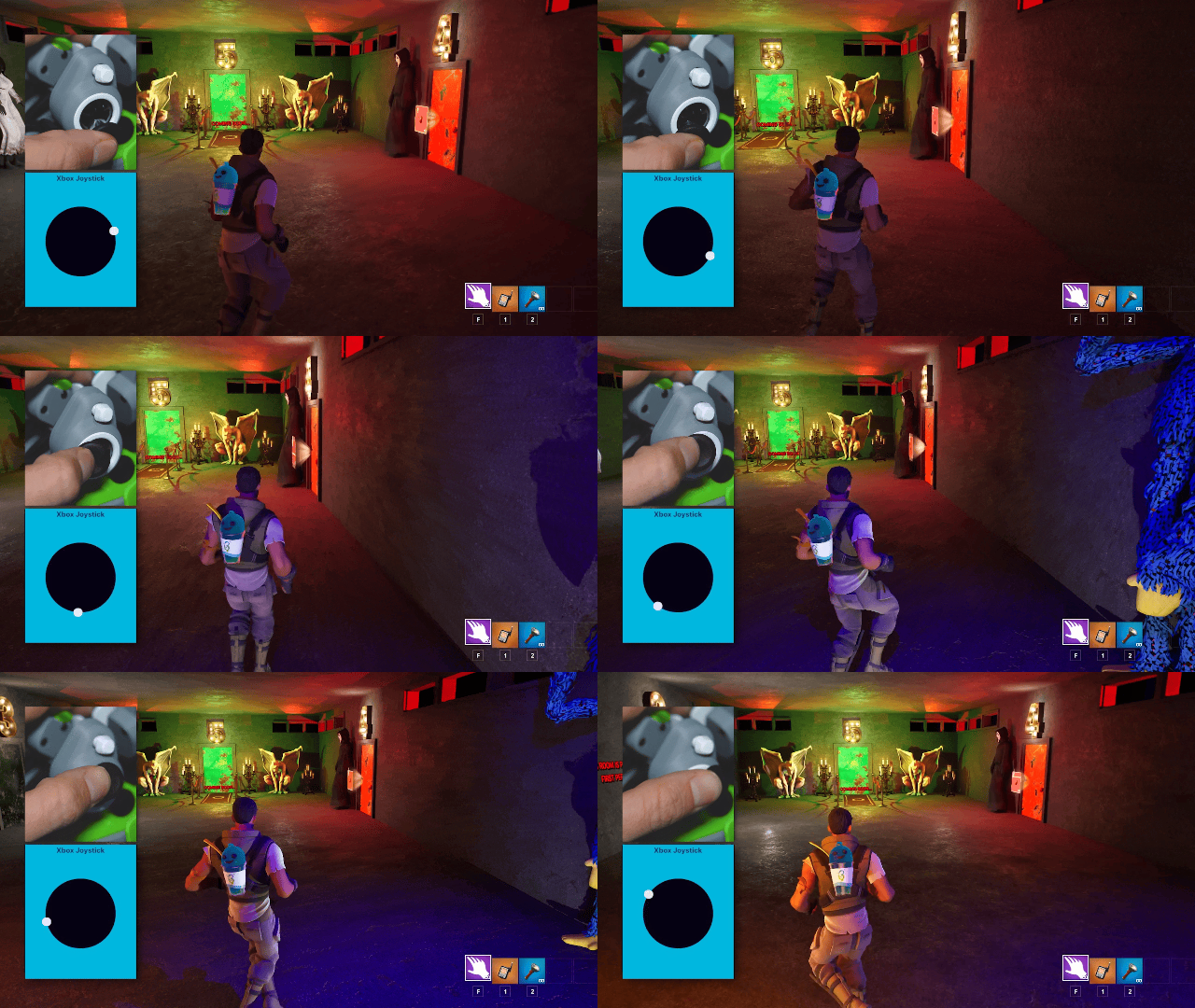
Forward, back, side, and the diagonals between. That is every direction a keyboard can give you, each one fully on or fully off. The thumbstick replaces those eight stiff options with one smooth motion under your thumb, so your movement matches what you actually meant to do.
Forward, back, side, and the diagonals between. That is every direction a keyboard can give you, each one fully on or fully off. The thumbstick replaces those eight stiff options with one smooth motion under your thumb, so your movement matches what you actually meant to do.
Smooth thumb control
🕹️Analog thumbstick
02
Your thumb moves you.
Your fingers do everything else
Your thumb moves you.
Your fingers do everything else
On a keyboard, three fingers are stuck pressing WASD all session. The thumbstick takes that whole job and hands it to one thumb, smoothly and precisely. Those freed fingers go straight to abilities, items, and actions you used to fumble for.
On a keyboard, three fingers are stuck pressing WASD all session. The thumbstick takes that whole job and hands it to one thumb, smoothly and precisely. Those freed fingers go straight to abilities, items, and actions you used to fumble for.
Fingers free
🕹️Thumbstick movement
⚡Faster actions
03
Move at any speed,
not just full speed
Move at any speed,
not just full speed
WASD gives you one pace and eight fixed directions, full tilt or nothing. The thumbstick gives you everything in between, a slow creep, a careful lean, a full sprint, at whatever angle you push it. In games that support analog input, that means smooth control at any speed and direction a keyboard cannot touch.
WASD gives you one pace and eight fixed directions, full tilt or nothing. The thumbstick gives you everything in between, a slow creep, a careful lean, a full sprint, at whatever angle you push it. In games that support analog input, that means smooth control at any speed and direction a keyboard cannot touch.
Variable speed
↗️Any direction
Trusted by the World’s Top Tech Reviewers
"“It’s perfect for games like Fortnite, Valorant, or Modern Warfare.”"

"“We were blown away by the speed, and while it takes some setup, the overall effect is absolutely worth it.”"

""I'm unironically in love with the Azeron Keypad""

"Best gear I've ever used."
""Feels like it was made by gaming enthusiasts, for gaming enthusiasts"."

""This Controller is the FUTURE OF FORTNITE GAMING""

""It's a great alternative to playing on keyboard & the joystick movement is quite a competitive advantage.""

""It's honestly such a good product for fortnite. Even without the controller movement its better than keyboard.""

""With this strange "KEYBOARD" (CLAW) I became Fortnite GOD overnight!""

""There is nothing like this on the market. By far my favorite tool for PC Gaming!""

"It's an amazing keypad for every game. Not having to use WASD is great when it comes to physically demanding games like Fortnite."

""My Azeron keypad gave me the familiarity of using a thumbstick for movement with over twenty easy to access keys.""

04
Precision keyboard
cannot reach
Precision keyboard
cannot reach
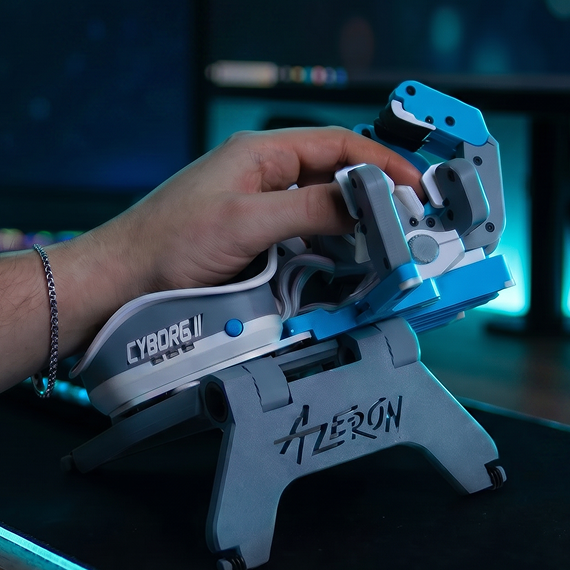
正確な位置に落ち着くには、キーボードにはないコントロールが必要です。サムスティックは親指のわずかなタッチに反応するため、ざっくりではなく、狙った場所に正確に着地できます。そして、ドリフトのないホール効果センサーを搭載しているため、その精度は最初の数ヶ月だけでなく、何年も持続します。
正確な位置に落ち着くには、キーボードにはないコントロールが必要です。サムスティックは親指のわずかなタッチに反応するため、ざっくりではなく、狙った場所に正確に着地できます。そして、ドリフトのないホール効果センサーを搭載しているため、その精度は最初の数ヶ月だけでなく、何年も持続します。
Fine control
✨ドリフトなしホール効果
05
No more juggling across keyboard rows
No more juggling across keyboard rows
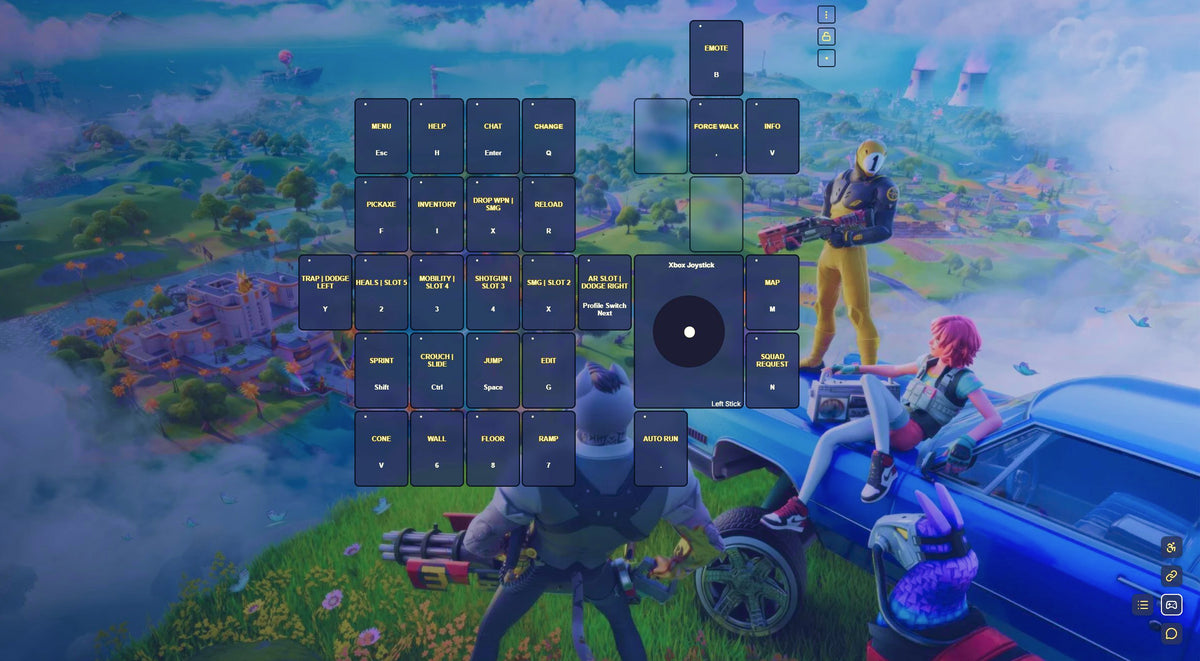
WASD does not just limit your movement. It scatters your keys across rows you have to stretch and jump between. With Azeron, every input is finally under your fingertips. 30 mappable keys, all in easy reach, so nothing pulls your hand out of position.
WASD does not just limit your movement. iIt scatters your keys across rows you have to stretch and jump between. With Azeron, every input is finally under your fingertips. 30 mappable keys, all in easy reach, so nothing pulls your hand out of position.
30 Mappable keys
Real Gamers. Real Thumbstick Control.
Real Gamers.
Real Thumbstick Control.
"Simple To Map. Easy To Use."
"Good keypad for people who struggle with WASD. Easy to map for any game and easy to switch between profiles."
"Halo Infinite, Cyberpunk and more!"
私はこれをHalo InfiniteやCyberpunkなどで使っています!主にコントローラーを使うので、慣れるまでに数日かかりました。多分もう一つギフト用に注文すると思います。アップデート:ギフトを渡したら、とても喜んでもらえました。
“A great middle ground.”
ホール効果ジョイスティックは、ゲームの移動に最適です。コントローラーとマウス・キーボードの中間として、本当に素晴らしい選択肢です。
"The setup I always wanted."
I’ve always wanted the utility of movement with a joystick while having access to mouse aiming and keyboard access,
06
Easier to pick up than
you would expect
Easier to pick up than
you would expect
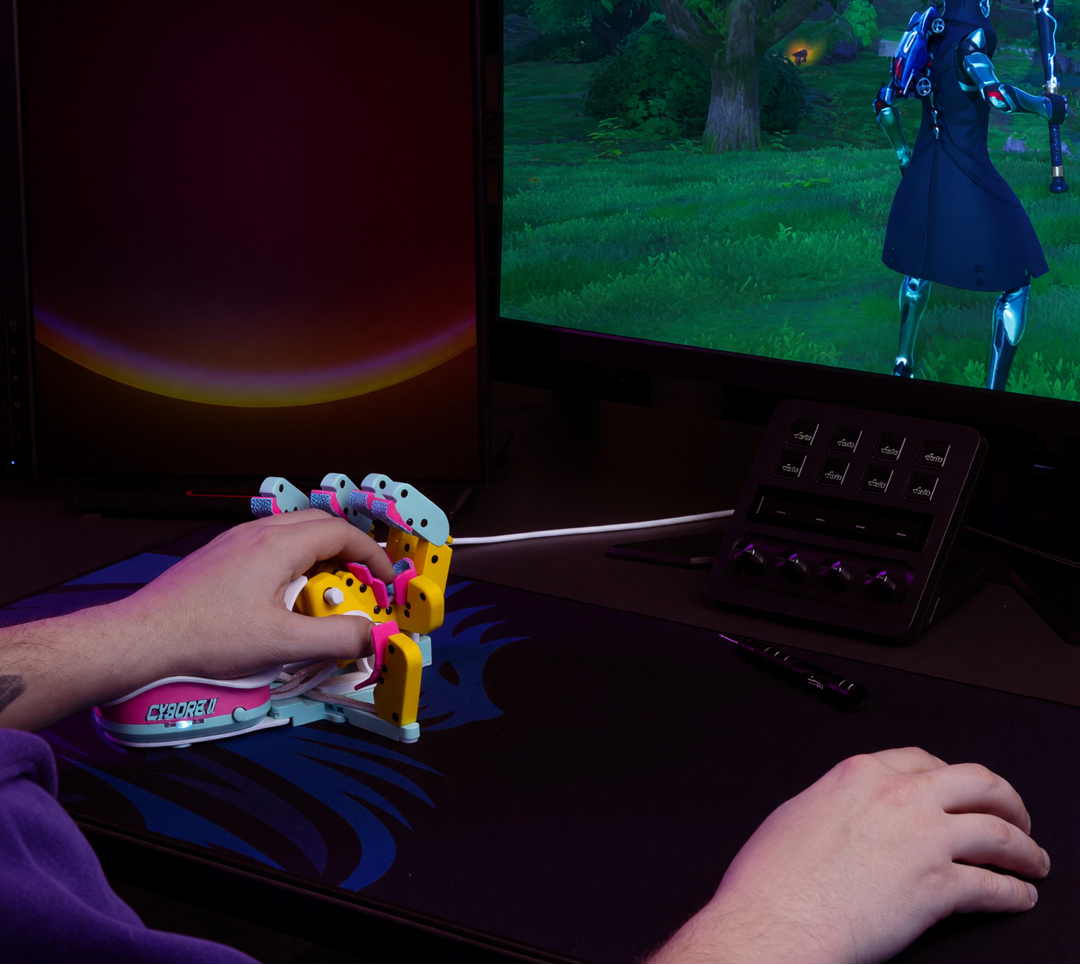
Yes, it takes a little adapting, but less than you think. The thumb movement feels natural fast. Start with four or five keys mapped in the Azeron software, then add more once the basics feel natural. Most gamers are playing comfortably within a week or two. You have 60 risk-free days to settle in, so there is no wrong way to try it.
Yes, it takes a little adapting, but less than you think. The thumb movement feels natural fast. Start with four or five keys mapped in the Azeron software, then add more once the basics feel natural. Most gamers are playing comfortably within a week or two. You have 60 risk-free days to settle in, so there is no wrong way to try it.
60-Day Money-Back
🎮Gaming With Azeron
07
Used by 130,000+
Gamers Worldwide
Used by 130,000+
Gamers Worldwide
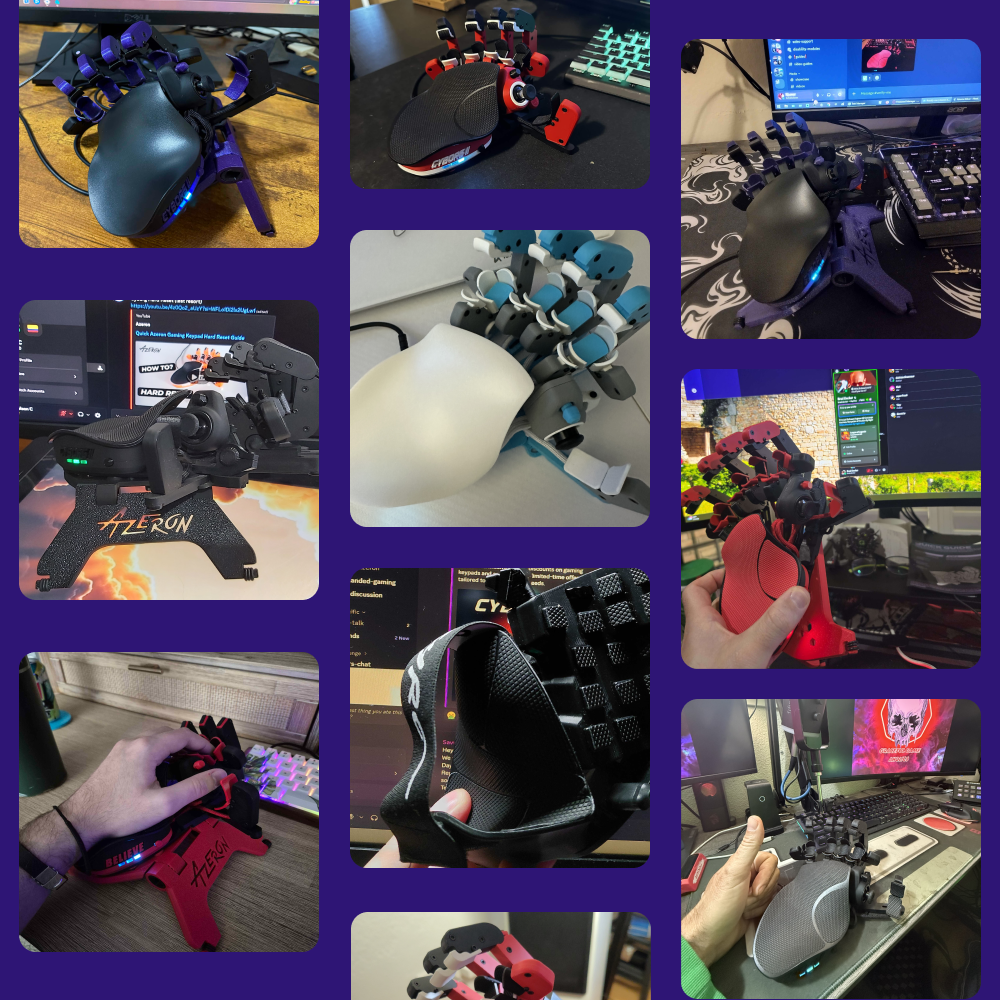
You would be joining 130,000+ gamers on the most versatile keypad around, plus a 20,000+ member Discord community behind it. They are staying, too, 97% keep their Azeron. Once your hand gets used to comfort, going back is the hard part.
You would be joining 130,000+ gamers on the most versatile keypad around, plus a 20,000+ member Discord community behind it. They are staying, too, 97% keep their Azeron. Once your hand gets used to comfort, going back is the hard part.
130,000+ Gamers
💬20,000+ Discord members

The Edge That Feels Unfair
Keyboards weren't built for gaming.
We built something that was.
Smooth 360° movement
Every action within reach
Natural resting, zero strain
Adjusts perfectly to you
Left or right hand options
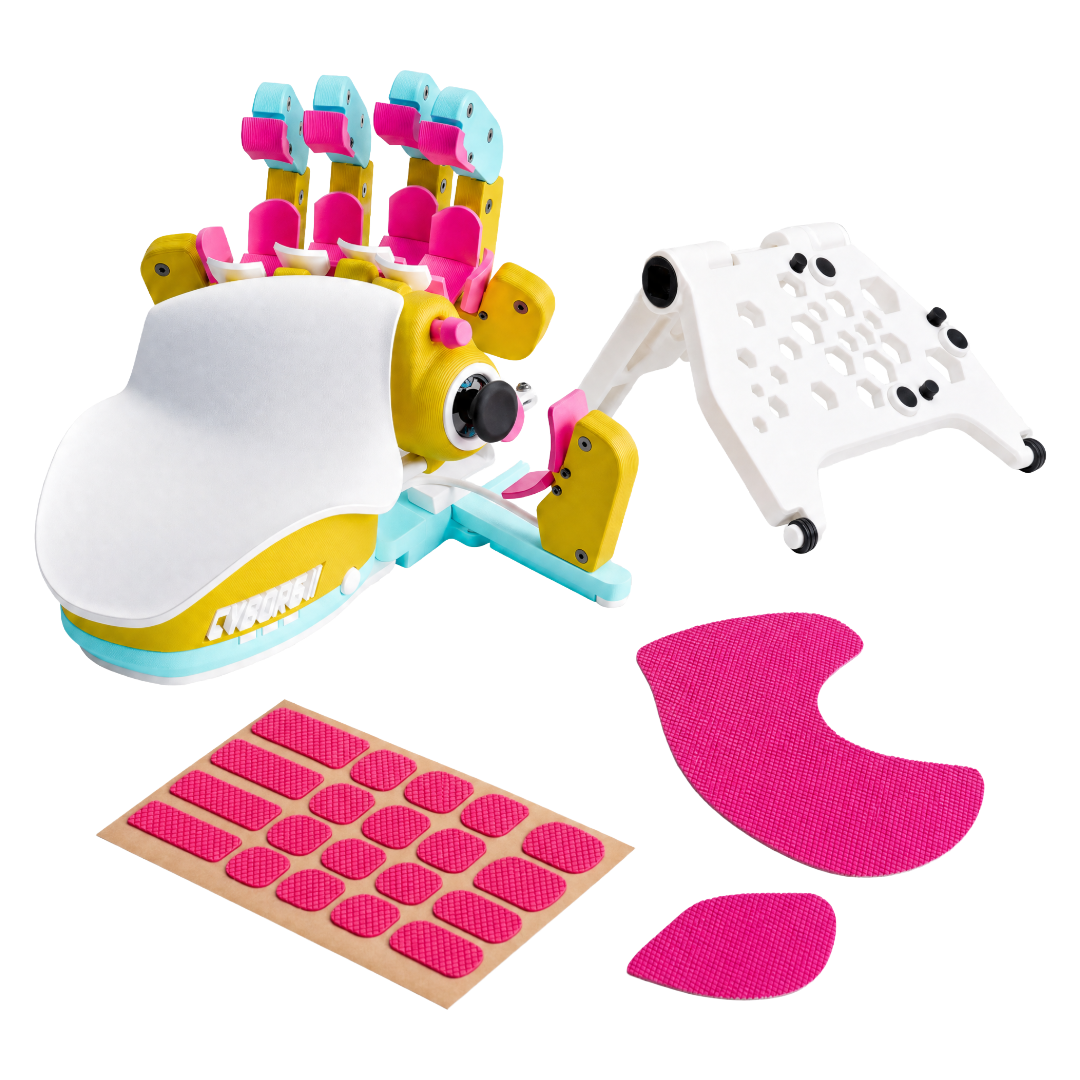
Cyborg II
Gaming Keyboard

 ★★★★★
★★★★★4.9 Stars | 130,000+ Azeron Users
The last keypad your hands will ever need
The last keypad your hands will ever need
- Hand-shaped layout keeps your wrist in its natural position
- Every key within reach. No stretching, no flattening
- Analog thumbstick for smooth, fatigue-free movement
- Fully adjustable to fit your exact hand size
- Built and hand-assembled in Europe
What Other Gamers Asked
FAQ & Guides

Why choose Cyborg II over a keyboard?
従来のキーボードは、手を固定されたキーに無理に伸ばさなければなりません。Azeron Cyborg IIは、指が自然に休む場所にすべての入力を配置し、あなたに合わせて適応します。
360°アナログサムスティックはWASDよりも滑らかな動きを実現し、30のマッピング可能な入力がすぐ手の届く範囲にあります。完全に調整可能なパーツは、特に高速で能力を多用するゲームでの負担を軽減し、効率を高めます。

Is there a learning curve?
There is a short adaptation period, but most users feel comfortable after 10–20 hours of gameplay. The key is to start simple.
Begin by mapping 4–5 essential actions and focus on getting comfortable with movement and core abilities. As it starts to feel natural, you can gradually expand your keybinds and and unlock the full potential.

Cyborg IIはどのゲームに対応していますか?
Cyborg IIは、キーボード入力をサポートするあらゆるPCゲームで動作します。例えば:
- FPS:CS2、Valorant、Warzone、Apex
- MMO:WoW、FFXIV
- MOBA:Dota 2、LoL
- RPGなど
すべての入力はAzeronソフトウェアを使って完全にリマップ可能です。マウスとコントローラーの同時入力をサポートするゲームでは、サムスティックを真の360°アナログモードで使用できます。その他のゲームでは、WASDや方向キーのエミュレートが可能です。

Cyborg IIはコンソールで使用できますか?
Cyborg IIは、マウスとキーボード入力をサポートするコンソールゲームで使用できます。キー割り当ては、まずPCでAzeronソフトウェアを使って設定する必要があります。
マウスとキーボード入力をサポートしないコンソールゲームの場合、XboxおよびPS5にはXIMアダプターが必要です。

もしCyborg IIが自分に合わないと感じたらどうすればいいですか?
ご安心ください。Cyborg IIには60日間の返金保証が付いており、実際にプレイして慣れ、設定を調整する十分な時間があります。
実際のゲームで使い、キー割り当てを試し、数分だけでなく複数回のセッションでの感触を確かめてください。もし合わなければ、当社の返品ポリシーに従って返品できます。

Cyborg IIには保証が付いていますか?
はい。すべての新しいCyborg IIには、製造上の欠陥をカバーする保証が付いています。
- EUのお客様:発送日から2年間の保証
- EU以外のお客様:1年間の保証で、さらに1年延長するオプションがあります
保証は材料および製造上の欠陥を対象としており、通常の摩耗や偶発的な損傷は対象外です。詳細は返金および保証ポリシーをご覧ください。

Cyborg IIはいつ届きますか?
現在の推定配達時間は購入時に商品ページに表示されています。ご注文の準備が整い、配送業者に引き渡されると、追跡番号が送られ、配送状況を確認できます。
公式ストアでのご注文は、いつでも注文追跡セクションから追跡可能です。


