Downloads
Summary
This patch introduces major updates to window scaling and display handling across single and multi-monitor setups. We’ve also added new customization options, updated Cyro sensor settings, improved Linux KDE window behavior, and addressed user-reported bugs regarding profile linking, macro editing, and device reconnections.
New Features & Improvements
- UI Replaced per-monitor zoom with a unified global zoom setting, that is more stable (existing settings are automatically migrated once).
- UI Added a compact layout optimized for small displays and vertical screen orientations.
- UI Added a visual drag-and-drop highlight when moving buttons in the Mapper.
- System Added optional desktop system notifications upon profile switching.
- Configurator Added ISO Backslash to the key search in the Keyboard Configurator.
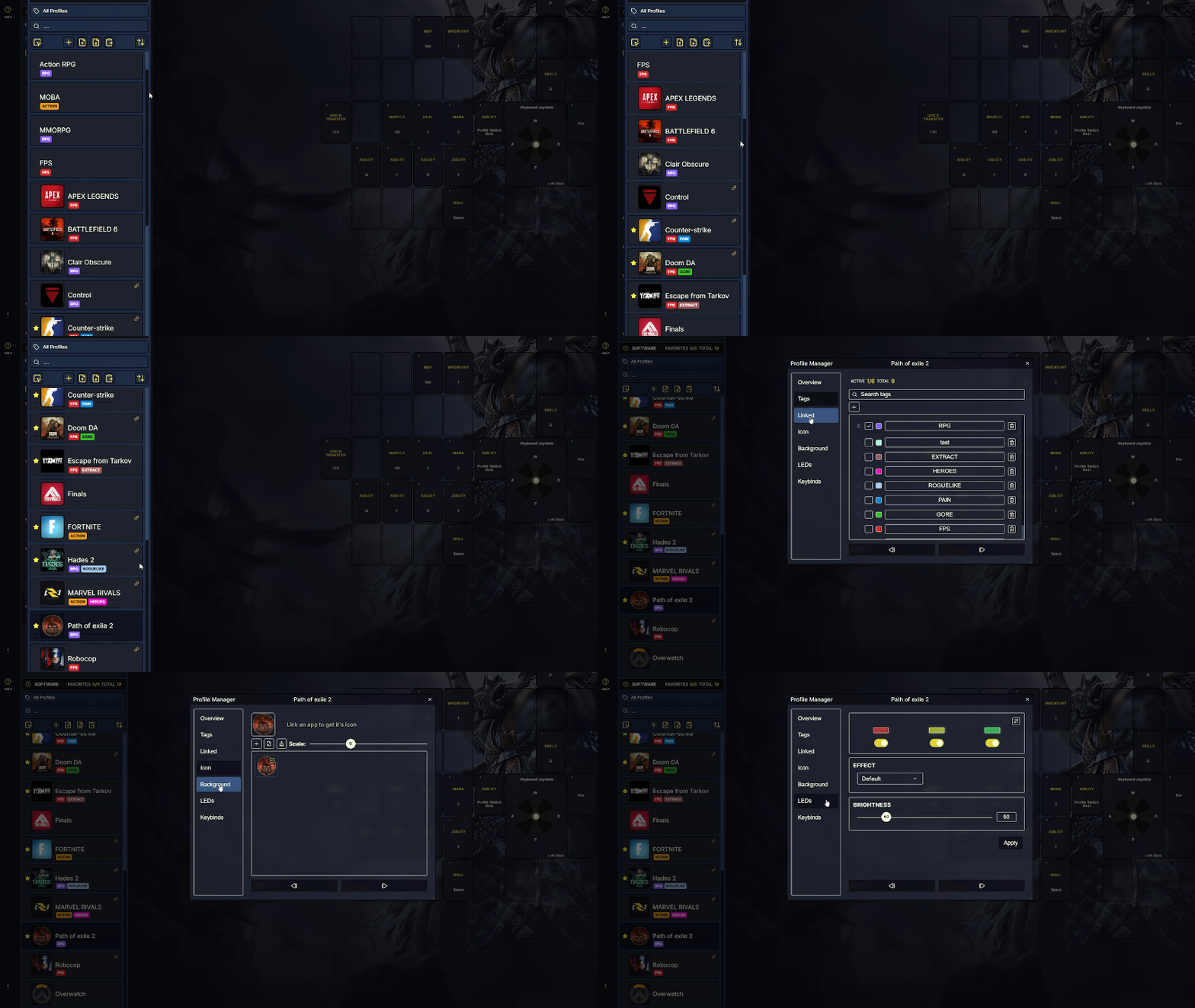
- Cyro Added updated Cyro Sensor settings directly to the Profile Manager.
Fixed Issues
- Display Overhauled window sizing, positioning, and minimum dimension bounds tracking to prevent windows from spawning off-screen or being miscalculated by OS/DPI scaling.
- UI Fixed layout height issues in the Profile Manager and key search formatting in the Keyboard Configurator.
- System Resolved executable linking issues where identical process names across different file paths caused name collisions or duplicate profile icons.
- System Fixed multi-device reconnection behavior where the active device selection failed after system sleep when two or more devices were connected.
- System Resolved an XInput packet size mismatch and applied minor stability fixes to joystick behavior.
- Cyro Fixed an issue where Cyro DPI Up/Down buttons did not function on software profiles.
- OBM Resetting onboard profiles now properly clears all associated onboard backgrounds and icons.
- Mapper Resolved an issue where rapidly editing keyboard binds caused combo binds to accidentally record onto new keys.
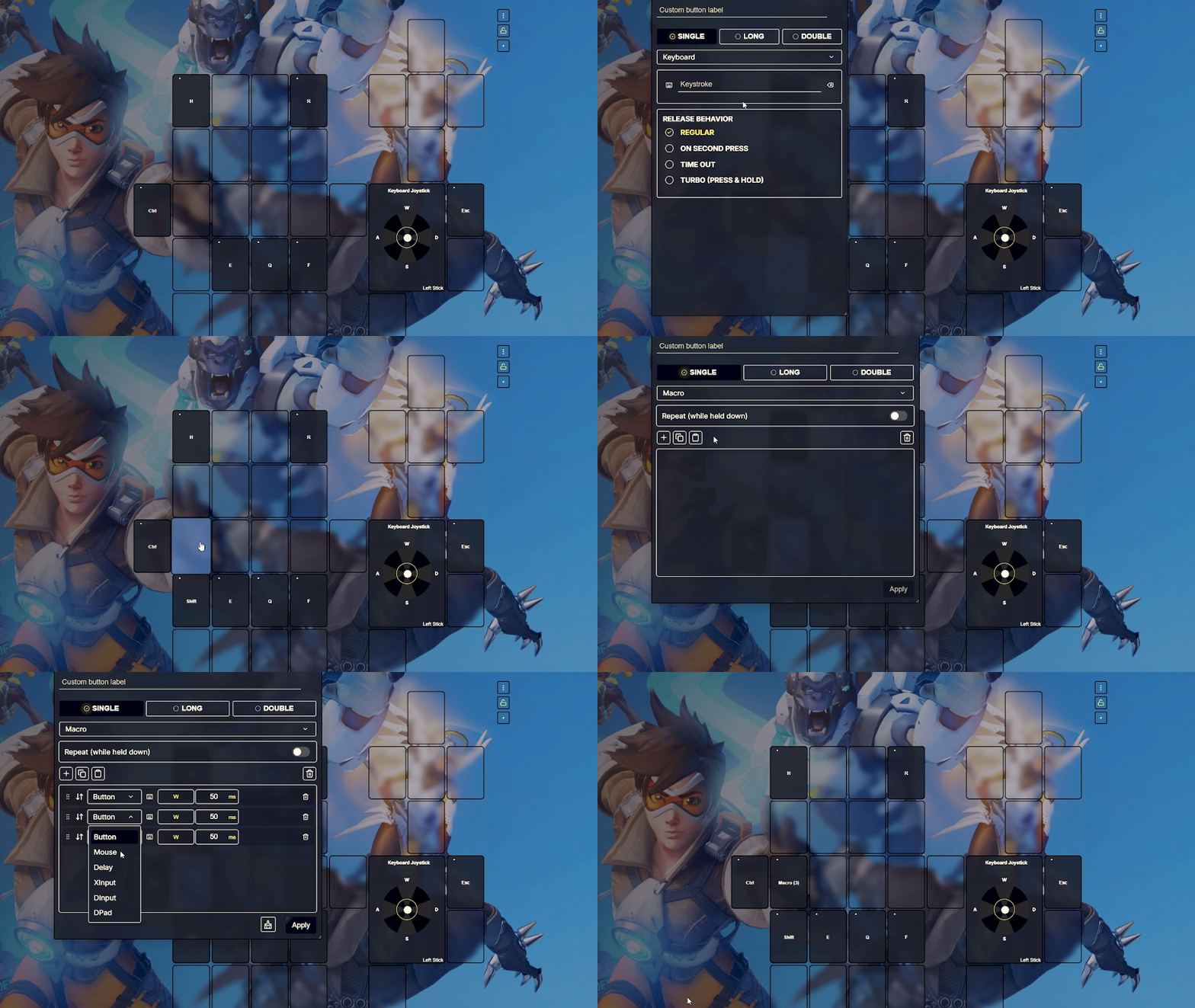
- Macros Fixed a drag-and-drop issue where macro items disappeared while being dragged.
Linux Specific Fixes
- Display Improved multi-monitor detection when dragging the software window between screens on KDE.
- UI Resolved minor window grow and shrink resizing issues on KDE session.
Downloads
Older release - we recommend installing the latest version.
Summary
This patch brings major stability and backend optimizations for our Linux users! We've also introduced new quality-of-life options for device mapping, improved Cyro functionality, and addressed several user-reported bugs regarding profile monitoring, macro execution, and stability.
New Features and Improvements
- UI Added "send to top" and "send to bottom" options to help organize the software profile list.
- UI You can now change the keybind display mode by scrolling.
- UI Added window maximize state tracking so the software remembers your window preferences.
- System Added new firmwares that support device diagnostics messaging.
- System Improved Windows system tray behaviour with a new single-click activator handler.
- System OBM mode now activates automatically when switching to another active device or on software close.
- Mapper Added per-device mapper and lefty state settings.
- Cyro Added Cyro-specific keybind templates.
- Cyro Added a mouse bind for creating new software profiles.
- LED Added a visual icon for Rainbow effects.
Fixed Issues
- Monitoring Resolved profile auto-switching and active profile tracking within process monitoring.
- Monitoring Fixed an issue where the default profile would only activate when all focus-trackable and launch-tracked apps were closed.
- Macros Fixed a macro default mouse bind issue where the initial mouse button caused the device to freeze.
- Cyro Fixed a sensor jump bug where the Cyro sensor would suddenly spike on one axis.
- Cyro Fixed the profile list Software mode toggle to ensure Cyro settings apply correctly.
- OBM Fixed a issue where new OBM profiles were incorrectly copying the hold state of buttons from previous profiles.
- System Fixed the software crashing and button mapper loading incorrectly during quick device changes.
- System Fixed a bug where resetting software settings would duplicate default profiles.
- System Resolved an issue where the patch notes tab was not loading properly.
- LED Fixed the LED on/off state when using rainbow effects.
Linux Specific Fixes
- Monitoring Resolved various process monitoring issues on KDE Wayland sessions.
- Monitoring Resolved an issue where Proton-wrapped games were not correctly resolving paths and icons for linking.
- System Fixed a software crash occurring during application closure and autostart issues.
- System Fixed a device handshake timeout bug.
- System Updated single and double press behaviour for the system tray.
- UI Fixed transient GPU errors incorrectly triggering the crash report modal.
Downloads
Older release - we recommend installing the latest version.
Summary
This hotfix adds a quality-of-life indicator for custom themes and addresses several user-reported bugs in profile management, macro execution, and device mapping.
New Features & Improvements
- Themes Added a visual icon indicator to distinguish themes that contain custom backgrounds.
Fixed Issues
- Themes Fixed a Classic theme visibility issue.
- Mapper Fixed an issue in the Edit Mapper where mapped button swapping did not function properly.
- Macros Fixed macro pasting inside long binds.
- OBM Resolved an issue where custom onboard memory labels failed to save when switching between devices.
- OBM Fixed a profile list counter display bug specific to V1 devices.
- Profiles Fixed a bug in migrated profiles where analog settings triggered incorrect keybinds.
- Profiles Fixed a logic restriction that prevented setting a default linked profile unless at least one other profile was linked.
- Analog Resolved an input calculation bug affecting analog downward cone key values.
- Monitoring Fixed a startup issue where process monitoring failed to start automatically on application launch.
- Crash report Fixed the spacebar not working in the crash report text input.
- UI Fixed unintended behavior in the Profile List.