


 ★★★★★
★★★★★4.9 Stars | 130,000+ Azeron Users
7 Reasons Gamers Are Trading WASD for a Thumbstick
7 Reasons Gamers Are Trading WASD for a Thumbstick
You have upgraded your mouse, your monitor, maybe your whole rig. But movement is still four keys on a keyboard, the way it has been for decades. Azeron moves you with an analog thumbstick instead, smooth and precise, with every key under your fingers and your mouse free to aim. Here is what changes when your thumb takes over.
You have upgraded your mouse, your monitor, maybe your whole rig. But movement is still four keys on a keyboard, the way it has been for decades. Azeron moves you with an analog thumbstick instead, smooth and precise, with every key still under your fingers and your mouse free to aim. Here is what changes when your thumb takes over.
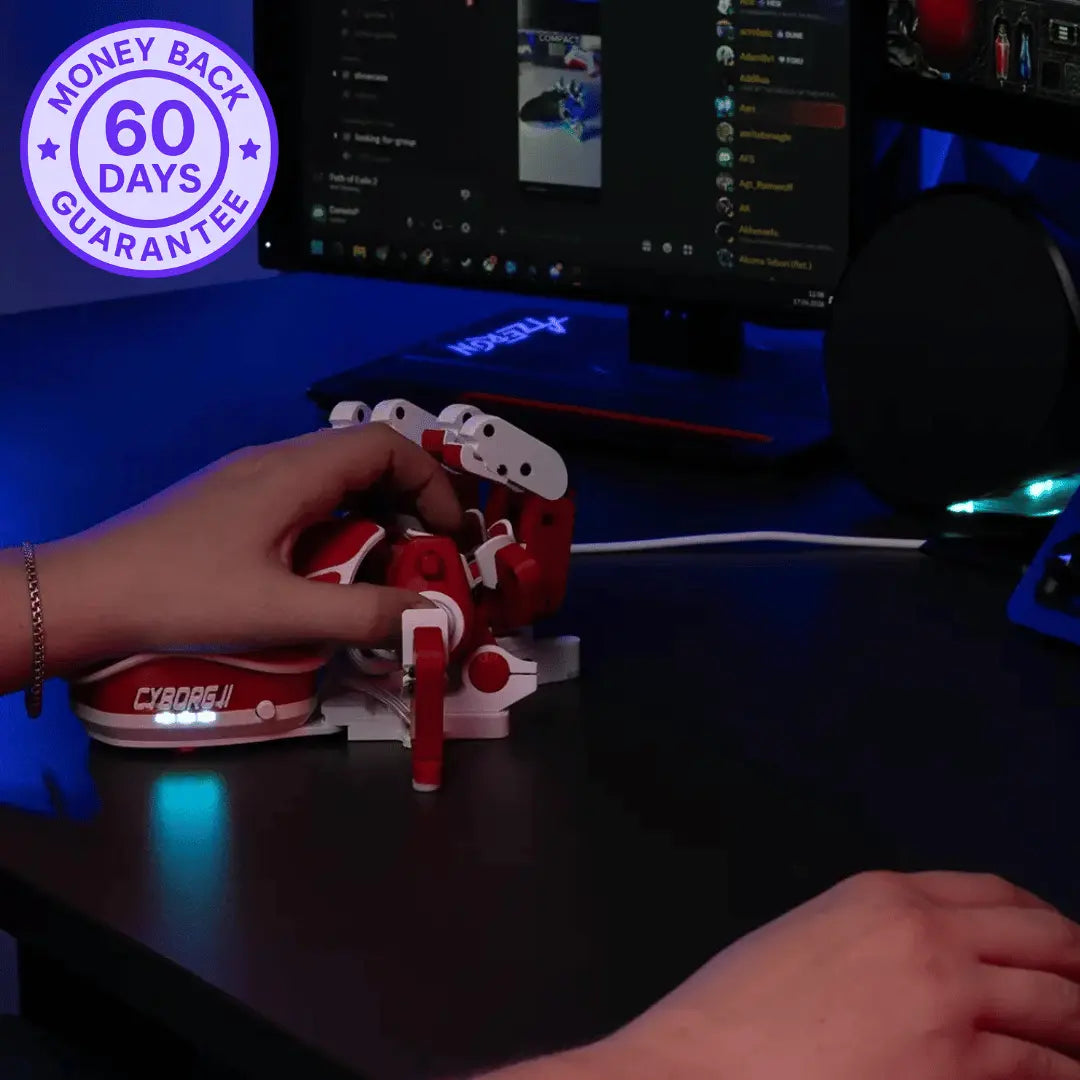
Try It Risk-Free For 60 Days
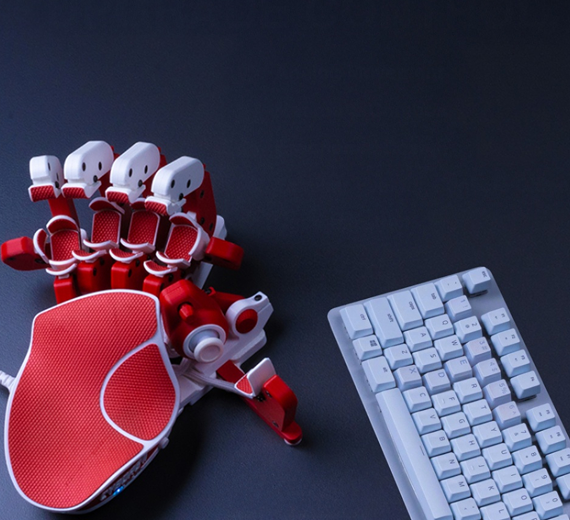

Made in Europe

60-Day Money-Back Guarantee

Manufacturer's Warranty

Ships 1-3 Days

Real Human Support
Used by 130,00+ Gamers Worldwide
For players who refuse keyboard limits and unlock their full potential.
01
WASD only moves
you eight ways
WASD only moves
you eight ways
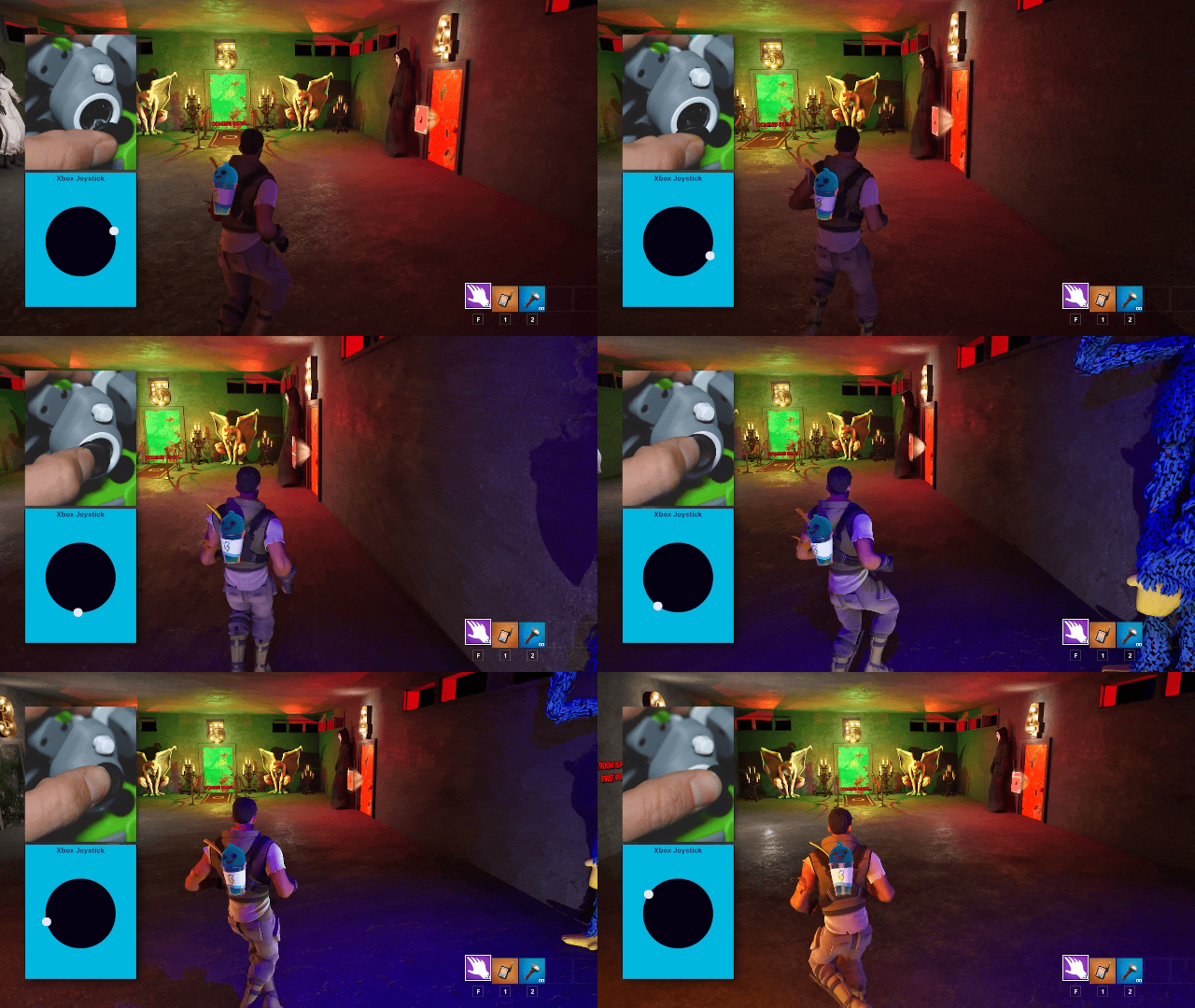
Forward, back, side, and the diagonals between. That is every direction a keyboard can give you, each one fully on or fully off. The thumbstick replaces those eight stiff options with one smooth motion under your thumb, so your movement matches what you actually meant to do.
Forward, back, side, and the diagonals between. That is every direction a keyboard can give you, each one fully on or fully off. The thumbstick replaces those eight stiff options with one smooth motion under your thumb, so your movement matches what you actually meant to do.
Smooth thumb control
🕹️Analog thumbstick
02
Your thumb moves you.
Your fingers do everything else
Your thumb moves you.
Your fingers do everything else
On a keyboard, three fingers are stuck pressing WASD all session. The thumbstick takes that whole job and hands it to one thumb, smoothly and precisely. Those freed fingers go straight to abilities, items, and actions you used to fumble for.
On a keyboard, three fingers are stuck pressing WASD all session. The thumbstick takes that whole job and hands it to one thumb, smoothly and precisely. Those freed fingers go straight to abilities, items, and actions you used to fumble for.
Fingers free
🕹️Thumbstick movement
⚡Faster actions
03
Move at any speed,
not just full speed
Move at any speed,
not just full speed
WASD gives you one pace and eight fixed directions, full tilt or nothing. The thumbstick gives you everything in between, a slow creep, a careful lean, a full sprint, at whatever angle you push it. In games that support analog input, that means smooth control at any speed and direction a keyboard cannot touch.
WASD gives you one pace and eight fixed directions, full tilt or nothing. The thumbstick gives you everything in between, a slow creep, a careful lean, a full sprint, at whatever angle you push it. In games that support analog input, that means smooth control at any speed and direction a keyboard cannot touch.
Variable speed
↗️Any direction
Trusted by the World’s Top Tech Reviewers
"“It’s perfect for games like Fortnite, Valorant, or Modern Warfare.”"

"“We were blown away by the speed, and while it takes some setup, the overall effect is absolutely worth it.”"

""I'm unironically in love with the Azeron Keypad""

"Best gear I've ever used."
""Feels like it was made by gaming enthusiasts, for gaming enthusiasts"."

""This Controller is the FUTURE OF FORTNITE GAMING""

""It's a great alternative to playing on keyboard & the joystick movement is quite a competitive advantage.""

""It's honestly such a good product for fortnite. Even without the controller movement its better than keyboard.""

""With this strange "KEYBOARD" (CLAW) I became Fortnite GOD overnight!""

""There is nothing like this on the market. By far my favorite tool for PC Gaming!""

"It's an amazing keypad for every game. Not having to use WASD is great when it comes to physically demanding games like Fortnite."

""My Azeron keypad gave me the familiarity of using a thumbstick for movement with over twenty easy to access keys.""

04
Precision keyboard
cannot reach
Precision keyboard
cannot reach
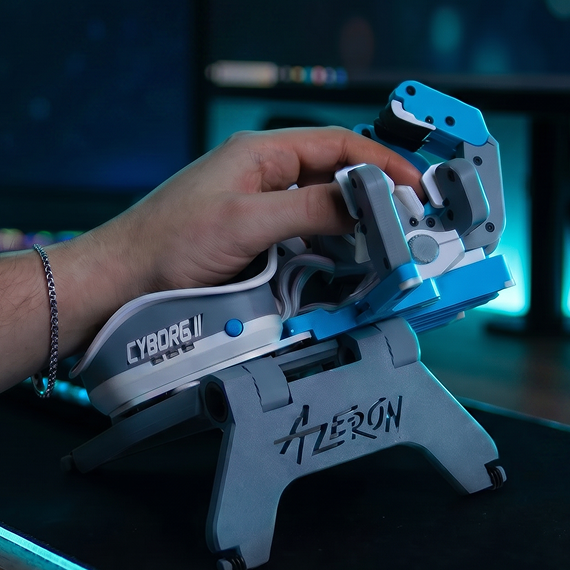
Settling into the exact right spot takes control a keyboard does not have. The thumbstick responds to the lightest touch of your thumb, so you land precisely where you want instead of roughly near it. And because it runs on a drift-free Hall effect sensor, that precision holds for years, not just the first few months.
Settling into the exact right spot takes control a keyboard does not have. The thumbstick responds to the lightest touch of your thumb, so you land precisely where you want instead of roughly near it. And because it runs on a drift-free Hall effect sensor, that precision holds for years, not just the first few months.
Fine control
✨Drift-free hall effect
05
No more juggling across keyboard rows
No more juggling across keyboard rows
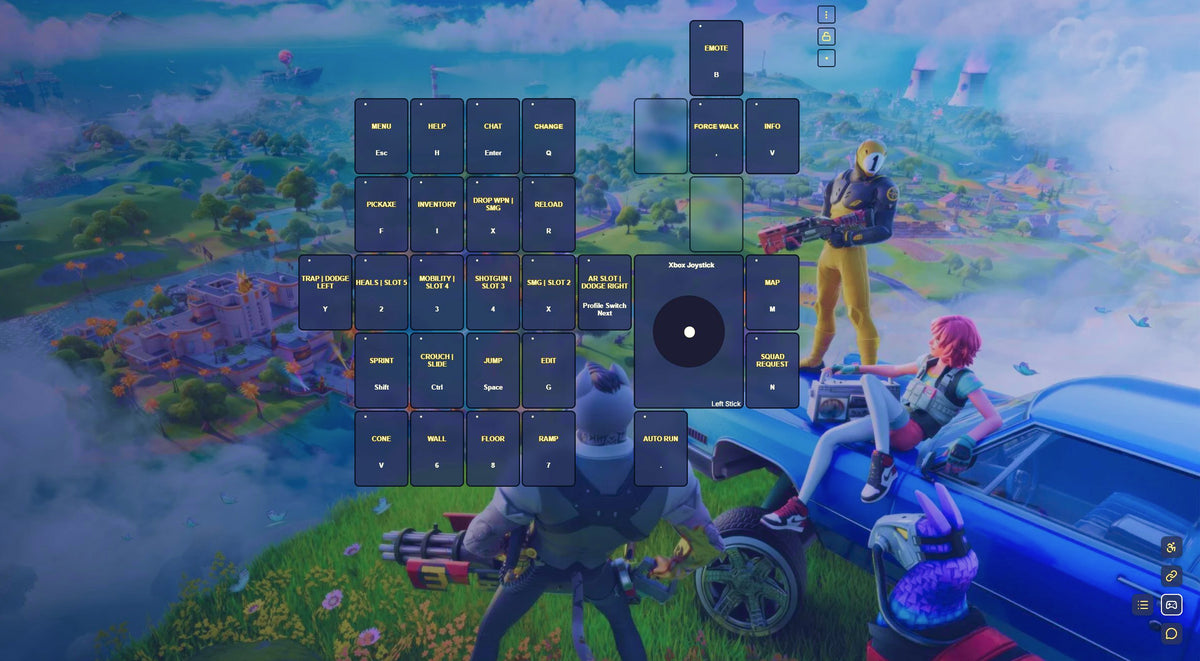
WASD does not just limit your movement. It scatters your keys across rows you have to stretch and jump between. With Azeron, every input is finally under your fingertips. 30 mappable keys, all in easy reach, so nothing pulls your hand out of position.
WASD does not just limit your movement. iIt scatters your keys across rows you have to stretch and jump between. With Azeron, every input is finally under your fingertips. 30 mappable keys, all in easy reach, so nothing pulls your hand out of position.
30 Mappable keys
Real Gamers. Real Thumbstick Control.
Real Gamers.
Real Thumbstick Control.
"Simple To Map. Easy To Use."
"Good keypad for people who struggle with WASD. Easy to map for any game and easy to switch between profiles."
"Halo Infinite, Cyberpunk and more!"
I use this in Halo infinite, Cyberpunk & more! I’m a controller user primarily so this did take me a couple days to get used to. I’ll probably order another one as a gift. Update: gift was given and they love it.
“A great middle ground.”
The hall effect joysticks is awesome for movement in games. It really is a great middle ground between controller and mouse/keyboard.
"The setup I always wanted."
I’ve always wanted the utility of movement with a joystick while having access to mouse aiming and keyboard access,
06
Easier to pick up than
you would expect
Easier to pick up than
you would expect
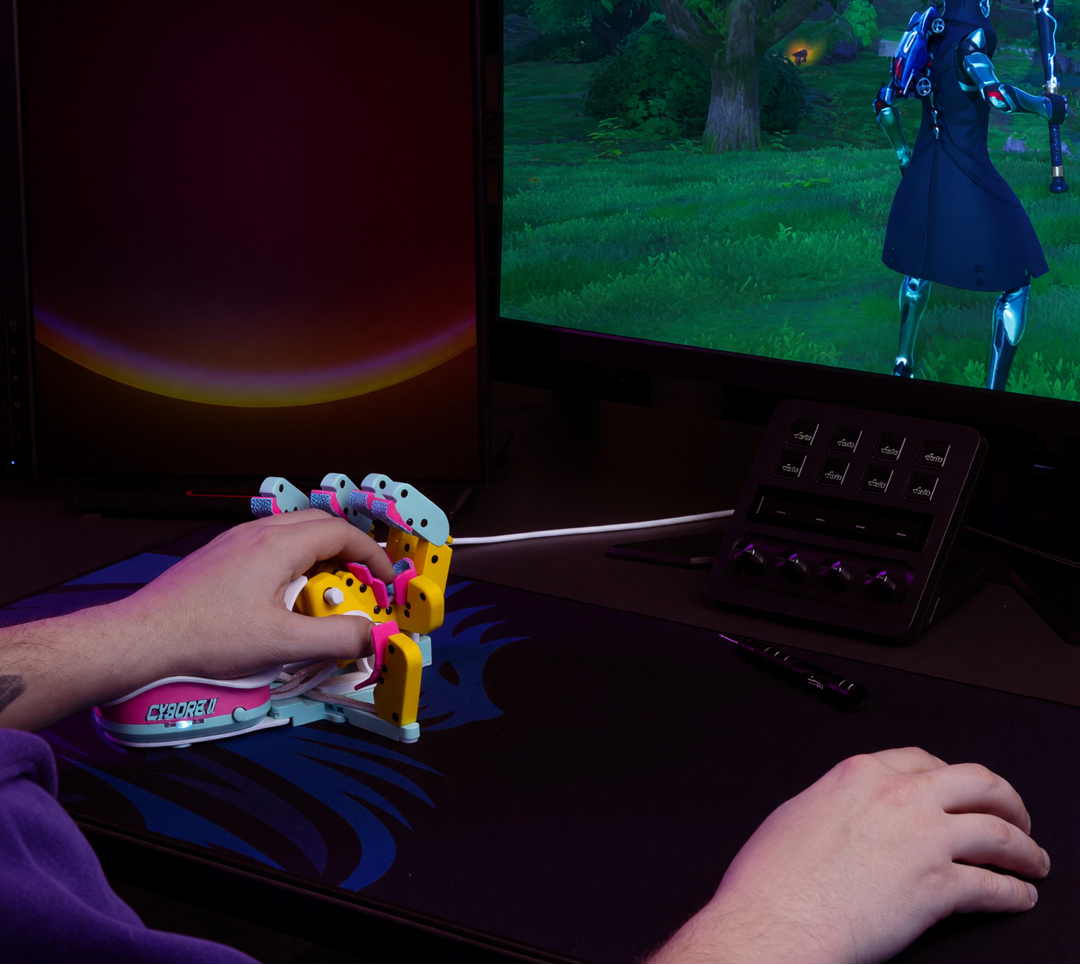
Yes, it takes a little adapting, but less than you think. The thumb movement feels natural fast. Start with four or five keys mapped in the Azeron software, then add more once the basics feel natural. Most gamers are playing comfortably within a week or two. You have 60 risk-free days to settle in, so there is no wrong way to try it.
Yes, it takes a little adapting, but less than you think. The thumb movement feels natural fast. Start with four or five keys mapped in the Azeron software, then add more once the basics feel natural. Most gamers are playing comfortably within a week or two. You have 60 risk-free days to settle in, so there is no wrong way to try it.
60-Day Money-Back
🎮Gaming With Azeron
07
Used by 130,000+
Gamers Worldwide
Used by 130,000+
Gamers Worldwide
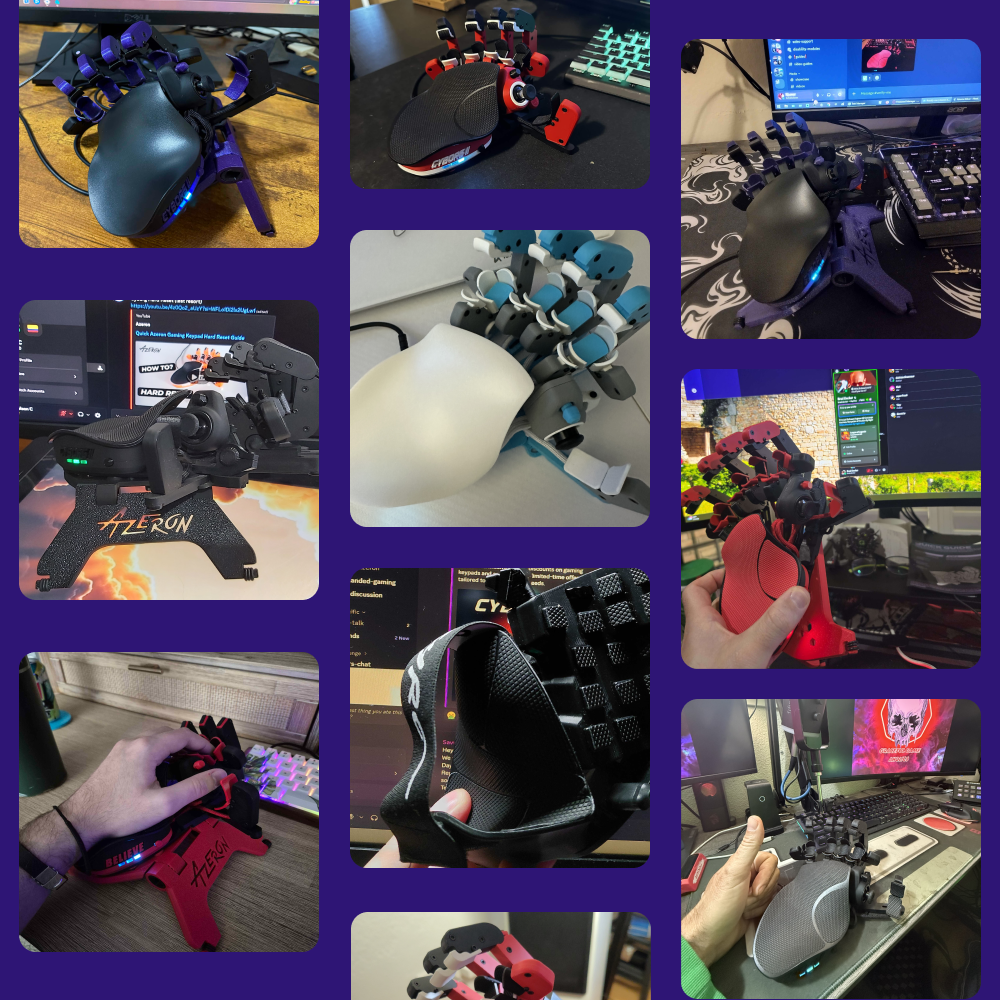
You would be joining 130,000+ gamers on the most versatile keypad around, plus a 20,000+ member Discord community behind it. They are staying, too, 97% keep their Azeron. Once your hand gets used to comfort, going back is the hard part.
You would be joining 130,000+ gamers on the most versatile keypad around, plus a 20,000+ member Discord community behind it. They are staying, too, 97% keep their Azeron. Once your hand gets used to comfort, going back is the hard part.
130,000+ Gamers
💬20,000+ Discord members

The Edge That Feels Unfair
Keyboards weren't built for gaming.
We built something that was.
Smooth 360° movement
Every action within reach
Natural resting, zero strain
Adjusts perfectly to you
Left or right hand options
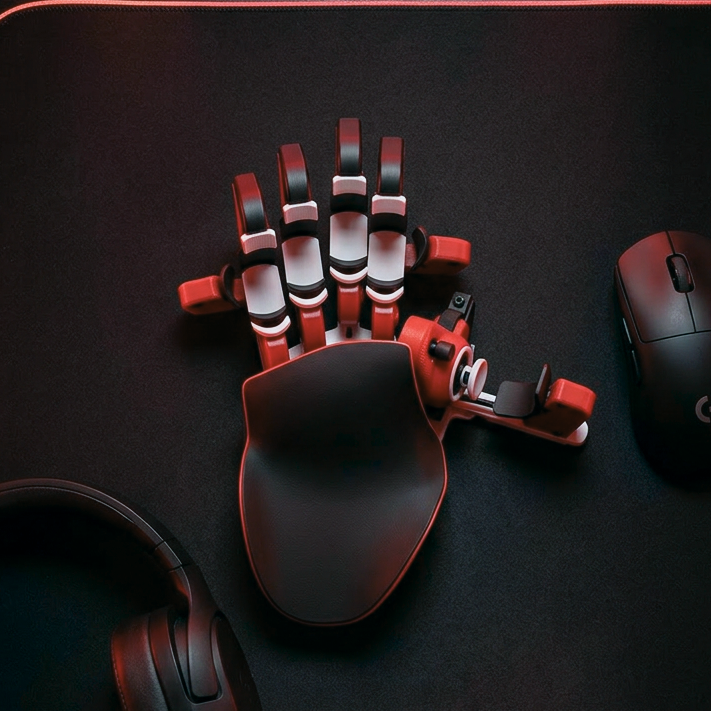
Cyborg II
Gaming Keyboard

 ★★★★★
★★★★★4.9 Stars | 130,000+ Azeron Users
The last keypad your hands will ever need
The last keypad your hands will ever need
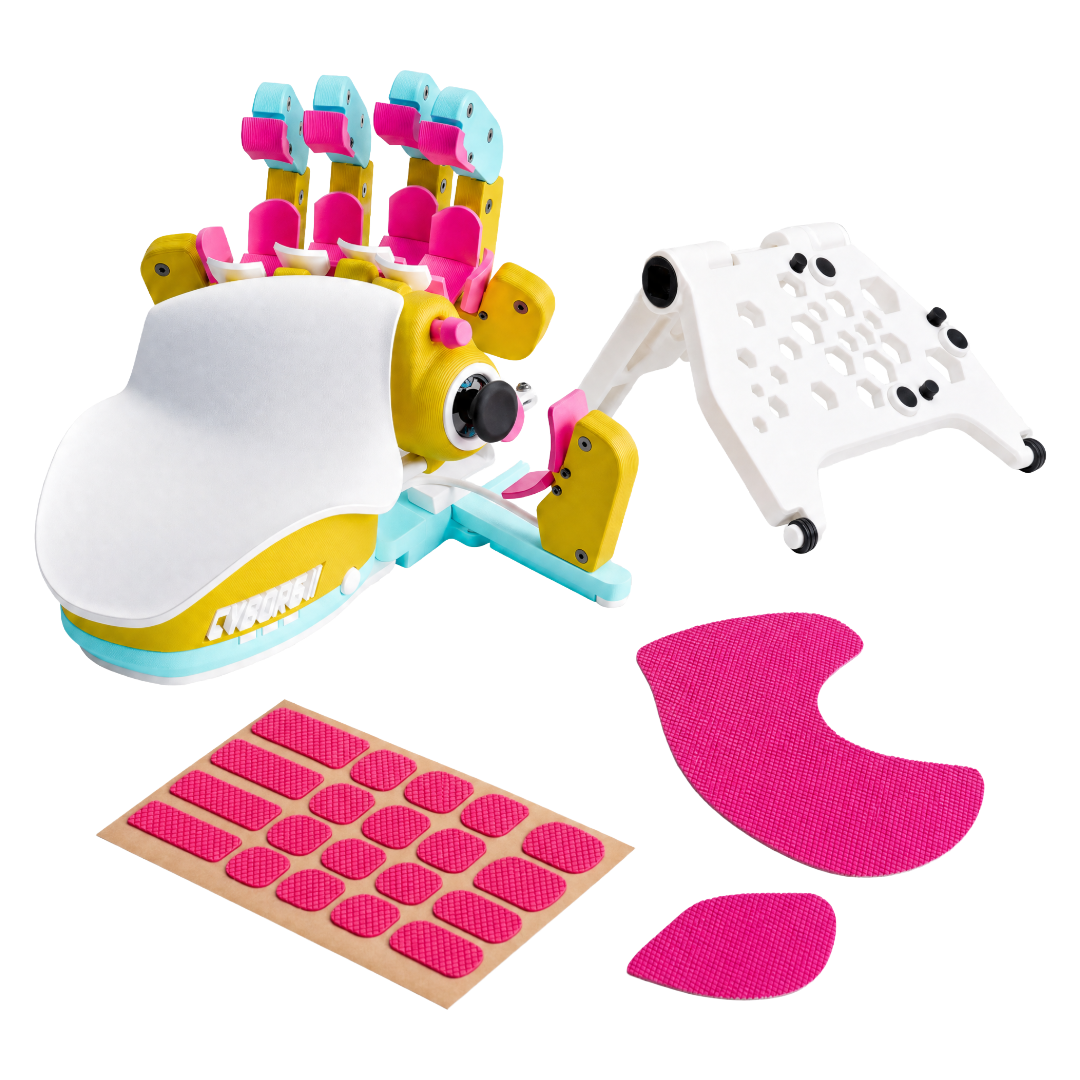
- Hand-shaped layout keeps your wrist in its natural position
- Every key within reach. No stretching, no flattening
- Analog thumbstick for smooth, fatigue-free movement
- Fully adjustable to fit your exact hand size
- Built and hand-assembled in Europe
What Other Gamers Asked
FAQ & Guides

Why choose Cyborg II over a keyboard?
A traditional keyboard forces you to stretch your hand across fixed keys. The Azeron Cyborg II places every input exactly where your fingers naturally rest — adapting to you, not the other way around.
Its 360° analog thumbstick delivers smoother movement than WASD, while 30 mappable inputs stay within immediate reach. Fully adjustable parts reduce strain and increase efficiency, especially in fast-paced and ability-heavy games.

Is there a learning curve?
There is a short adaptation period, but most users feel comfortable after 10–20 hours of gameplay. The key is to start simple.
Begin by mapping 4–5 essential actions and focus on getting comfortable with movement and core abilities. As it starts to feel natural, you can gradually expand your keybinds and and unlock the full potential.

What games does Cyborg II work with?
The Cyborg II works with any PC game that supports keyboard input, for example:
- FPS: CS2, Valorant, Warzone, Apex
- MMO: WoW, FFXIV
- MOBA: Dota 2, LoL
- RPG & More
All inputs are fully remappable through Azeron software. In games that support simultaneous mouse + controller input, the thumbstick can be used in true 360° analog mode. In other games, it can emulate WASD or directional keys.

Can I use Cyborg II on console?
The Cyborg II can be used with console games that support mouse and keyboard input. Keybinds must first be configured on a PC using the Azeron software.
For console games that do not support mouse and keyboard input, a XIM adapter is required for Xbox and PS5.

What if Cyborg II doesn’t feel right for me?
No pressure. The Cyborg II comes with a 60-day money-back guarantee, giving you plenty of time to actually play, adapt, and dial in your setup.
Use it in real games, experiment with keybinds, and see how it feels over multiple sessions — not just a few minutes out of the box. If it’s not the right fit, you can return it according to our return policy.

Does the Cyborg II come with a warranty?
Yes. Every new Cyborg II includes a warranty covering manufacturing defects.
- EU customers: 2-year warranty from the shipping date
- Non-EU customers: 1-year warranty, with an option to extend for an additional year
The warranty covers defects in materials and workmanship, not normal wear or accidental damage. Full details are available in our Refund & Warranty Policy.

When will I receive my Cyborg II?
The current estimated delivery time is shown on the product page at the time of purchase. Once your order is ready and handed over to the courier, you’ll receive a tracking number so you can follow your shipment.
Orders placed through our official store can be tracked anytime using Track Order section.


